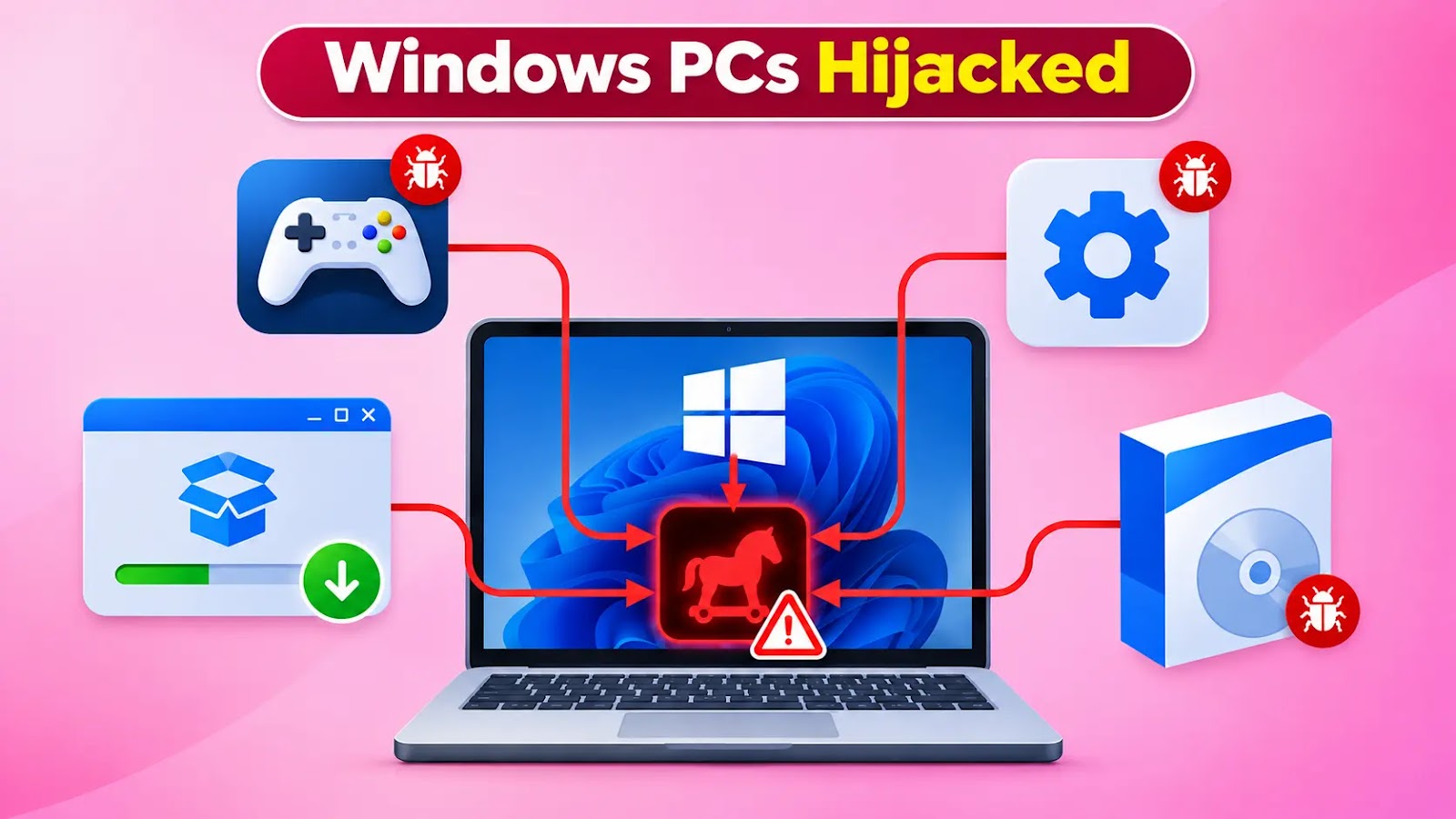
Mashhur o'yinlar, buzilgan dasturlar va yordamchi vositalar sifatida yashirilgan trojanlashtirilgan o'rnatuvchilar orqali Windows kompyuterlarini monetizatsiya qilishga qaratilgan soxta yuklab olish kampaniyasi rivojlanmoqda.
Bitta yukni yetkazish o'rniga, operatsiya bitta o'rnatish sessiyasi davomida bir nechta dasturiy "takliflar"ni tarqatadi va jabrlanuvchilarning tarmoq kengligi hamda hisoblash resurslarini daromad oqimlariga aylantiradi.
Microsoftning 3-noyabrdagi tekshiruvi uchta tasdiqlangan tarmoqni aniqladi: WorldProxyPool proksi-dasturi, CharityEngine va BOINC taqsimlangan hisoblash dasturi, hamda Advanced Windows Manager yordamchi vositalari.
Ushbu mahsulotlar yoki komponentlar qonuniy foydalanishga ega bo'lishi mumkin bo'lsa-da, ularning aldov yo'li bilan, xabardor roziliksiz o'rnatilishi xavfsizlik va maxfiylik xavflarini yaratadi.
Kuzatilgan jozibador yuklar qatoriga Echo Client, FabFilter Total Bundle, Navicat Premium buzilishi, Deadpool Apunka Games, Command & Conquer: Red Alert 2 va TFT Unlock Tool kiradi.
Hujum zanjirining umumiy ko'rinishi (Manba: Microsoft).
Bajarish foydalanuvchi o'rnatuvchini ishga tushirganda boshlanadi. Inno Setup uslubidagi o'rama %TEMP%\is-*.tmp\ ostida vaqtinchalik ishga tushiruvchini yaratadi, so'ngra eld0.exe, eld3.exe va eld4.exe kabi raqamlangan bajariladigan fayllarni ishga tushiradi.
/SL5, /SPAWNWND va /FIRSTWND kabi argumentlar ushbu bajarish ketma-ketligini aniqlashga yordam beradi.
Sessiyalar orasida bosqichlar soni farq qiladi. Bitta Echo Client o'rnatilishi bir nechta monetizatsiya tarmoqlariga yetib bordi, bu esa bitta yuklab olish bir nechta istalmagan o'rnatishlarni ishga tushirishi mumkinligini ko'rsatadi.
Vaqtinchalik ishga tushiruvchilar HTTP so'rovlari orqali aylanuvchi domenlarga murojaat qiladi, bu so'rovlarda d=inno va r=offer_execution mavjud. Sessiya, sherik, taklif, yuklab olish tarmog'i va joylashtirish qiymatlari yuk yetkazilishini muvofiqlashtiradi va o'rnatish natijalarini qayd etadi.
Microsoft kuzatishicha, kampaniya tijorat dasturlarining buzilgan versiyalarini, audio plaginlarini, o'yin yuklab olishlarini, Roblox bajaruvchilarini, avto-bosuvchilarni va mobil qulf ochish vositalarini qidirayotgan foydalanuvchilarni nishonga oladi.
Windows foydalanuvchilari egallab olindi
Muvaffaqiyatsiz urinishlar r=offer_execution_fail hosil qiladi, ba'zan antivirus yoki potentsial istalmagan dastur xato xabarlari bilan birga.
Muhim jihati shundaki, har bir taklif mustaqil ishlaydi: bitta yukni to'sish keyingi takliflarni to'xtatmasligi mumkin.
Yordamchi vosita yuklab olish jozibasi misoli (Manba: Microsoft).
Microsoft shuningdek, bolalar yuklari bajarish qayta chaqiruvlaridan oldin yoki ularning atrofida ishga tushirilishini kuzatdi. Shuning uchun bu so'rovlar foydali korrelyatsiya dalillarini taqdim etadi, ammo himoyachilar ularni o'rnatishni oldini olishning eng erta imkoniyati deb qabul qilmasliklari kerak.
Infratuzilma tez-tez aylangani sababli, xulq-atvorni aniqlash alohida domenlarga faqat tayanishdan ko'ra kuchliroq ovlash yondashuvini taklif etadi.
Tekshiruvchilar qayta chaqiruv parametrlarini vaqtinchalik bajarish yo'llari, bosqichli fayl nomlari va tegishli jarayon faoliyati bilan korrelyatsiya qilishlari kerak.
WorldProxyPool komponentlarni C:\Program Files\WorldProxyPool\ ostida o'rnatadi va SYSTEM sifatida ishlaydigan uchta rejalashtirilgan vazifani o'rnatadi.
Uning agenti yuklanishda boshlanadi, yashirin PowerShell accesswatchdog har besh daqiqada bajariladi va yangilovchi soatiga bir marta ishlaydi. O'rnatuvchi shuningdek agentni darhol ishga tushiradi, bu esa takroriy proksi faoliyatini ta'minlaydi.
CharityEngine va BOINC tarmog'i taqsimlangan hisoblash komponentlarini, jumladan boinc.exe, charityengine.exe, hisoblash o'rama fayllari va VirtualBox'ni o'rnatadi.
Ushbu tarmoq ta'sirlangan mashinalarni hisoblash infratuzilmasiga jalb qiladi, tasdiqlangan kriptovalyuta qazib olish operatsiyasini o'rnatmaydi.
Yordamchi vosita tarmog'i AdvancedWindowsManager.exe va Windows Updater.exe fayllarini Windows Manager MSI paketi orqali joylashtiradi.
Yuk o'rnatishlari /qn, /S, /quiet va /norestart kabi e'tiborsiz kalitlardan foydalanadi, bu esa ko'rinadigan o'zaro ta'sirni kamaytiradi.
Tashkilotlar ishonchsiz dastur manbalarini taqiqlashi, kutilmagan o'rnatishlarni tekshirishi va ushbu komponentlar bilan bog'liq rejalashtirilgan vazifalarni ko'rib chiqishi kerak.
Dasturiy inventar tekshiruvlari WorldProxyPool, CharityEngine, BOINC, VirtualBox va AW Manager'ni qamrab olishi, ruxsat etilgan joylashtirishlarni birlashtirilgan o'rnatishlardan ajratishi kerak.
Microsoft potentsial istalmagan ilovalarni himoya qilishni yoqishni tavsiya qiladi, bu aniqlangan fayllar va o'rnatish urinishlarini bloklashi, so'ngra ularni karantinga olishi mumkin.
Uning yo'riqnomasi Intune, Group Policy va PowerShell orqali joylashtirishni tushuntiradi.
Administratorlar shuningdek Defender real-vaqt va xulq-atvor monitoringini saqlab turishlari kerak. Microsoftning konfiguratsiya hujjatlari ikkala imkoniyat uchun siyosat sozlamalarini batafsil bayon qiladi va ta'sirlangan Windows nuqtalarida kampaniyaga xos ovlash va tekshiruv uchun amaliy hamrohni taqdim etadi.
Buzilish ko'rsatkichlari
Ko'rsatkich | Turi | Komponent beliefdesk[.]xyz | Domen | Taklif-bajarish qayta chaqiruv infratuzilmasi. companyharbor[.]xyz | Domen | Taklif-bajarish qayta chaqiruv infratuzilmasi. signalpane[.]cfd | Domen | Taklif-bajarish qayta chaqiruv infratuzilmasi. inkact[.]xyz | Domen | Taklif-bajarish qayta chaqiruv infratuzilmasi.
Eslatma: IP manzillar va domenlar tasodifiy hal qilish yoki giperhavola qilishning oldini olish uchun ataylab defang qilingan (masalan, [.]). Faqat MISP, VirusTotal yoki SIEM kabi nazorat qilinadigan tahdid razvedkasi platformalarida qayta fang qiling.
An evolving fake-download campaign that disguises trojanized installers as popular games, cracked software, and utilities to monetize Windows computers.
Rather than delivering one payload, the operation distributes multiple software “offers” during a single installation session, converting victims’ bandwidth and computing resources into revenue streams.
Microsoft’s November 3 investigation identified three confirmed branches: WorldProxyPool proxyware, CharityEngine and BOINC distributed-computing software, and Advanced Windows Manager utilities.
Although these products or components may have legitimate uses, their deceptive installation without informed consent creates security and privacy risks.
Observed lures included Echo Client, FabFilter Total Bundle, Navicat Premium crack, Deadpool Apunka Games, Command & Conquer: Red Alert 2, and TFT Unlock Tool.
Overview of the attack chain (Source : Microsoft).
Execution begins when a user launches an installer. An Inno Setup-style wrapper creates a temporary runner beneath %TEMP%\is-*.tmp\, then starts numbered executables such as eld0.exe, eld3.exe, and eld4.exe.
Arguments including /SL5, /SPAWNWND, and /FIRSTWND help identify this execution sequence.
The number of stages varies between sessions. One Echo Client installation reached several monetization branches, demonstrating that a single download can trigger multiple unwanted installations.
Temporary runners contact rotating domains through HTTP requests containing d=inno and r=offer_execution. Session, affiliate, offer, download-network, and placement values coordinate payload delivery and record installation outcomes.
Microsoft observed that, the campaign targets users seeking commercial software cracks, audio plugins, game downloads, Roblox executors, auto-clickers, and mobile-unlock tools.
Windows Users Hijacked
Failed attempts generate r=offer_execution_fail, sometimes accompanied by antivirus or potentially unwanted software error messages.
Crucially, each offer operates independently: blocking one payload does not necessarily stop subsequent offers.
Example utility download lure (Source : Microsoft).
Microsoft also observed child payloads launching before or around execution callbacks. These requests therefore provide useful correlation evidence, but defenders should not assume they represent the earliest opportunity to prevent installation.
Because infrastructure rotates frequently, behavioral detection offers a stronger hunting approach than relying exclusively on individual domains.
Investigators should correlate callback parameters with temporary execution paths, staged filenames, and related process activity.
WorldProxyPool installs components under C:\Program Files\WorldProxyPool\ and establishes three scheduled tasks running as SYSTEM.
Its agent starts at boot, a hidden PowerShell accesswatchdog executes every five minutes, and an updater runs hourly. The installer also launches the agent immediately, enabling recurring proxy activity.
The CharityEngine and BOINC branch installs distributed-computing components, including boinc.exe, charityengine.exe, compute wrappers, and VirtualBox.
This branch enrolls affected machines into computing infrastructure rather than establishing a confirmed cryptocurrency-mining operation.
The utility branch deploys AdvancedWindowsManager.exe and Windows Updater.exe through a Windows Manager MSI package.
Payload installations use unattended switches such as /qn, /S, /quiet, and /norestart, reducing visible interaction.
Organizations should prohibit untrusted software sources, investigate unexpected installations, and review scheduled tasks associated with these components.
Software inventory checks should cover WorldProxyPool, CharityEngine, BOINC, VirtualBox, and AW Manager while distinguishing authorized deployments from bundled installations.
Microsoft recommends enabling potentially unwanted application protection, which can block detected files and installation attempts, then quarantine them.
Its guidance explains deployment through Intune, Group Policy, and PowerShell.
Administrators should also maintain Defender real-time and behavior monitoring. Microsoft’s configuration documentation details policy settings for both capabilities, providing a practical companion to campaign-specific hunting and investigation across affected Windows endpoints.
Indicators of compromise
IndicatorTypeComponent beliefdesk[.]xyz Domain Offer-execution callback infrastructure. companyharbor[.]xyz Domain Offer-execution callback infrastructure. signalpane[.]cfd Domain Offer-execution callback infrastructure. inkact[.]xyz Domain Offer-execution callback infrastructure.
Note:IP addresses and domains are intentionally defanged (e.g.,[.]) to prevent accidental resolution or hyperlinking. Re-fang only within controlled threat intelligence platforms such as MISP, VirusTotal, or your SIEM.
Stops Cyber threats before impact with 21 min faster MTTR. Integrate ANYRUN’s Sandbox in your SOC.